WearCraft
A downloadable tool for Windows
WearCraft is a desktop tool for procedural wear generation on PBR texture sets.
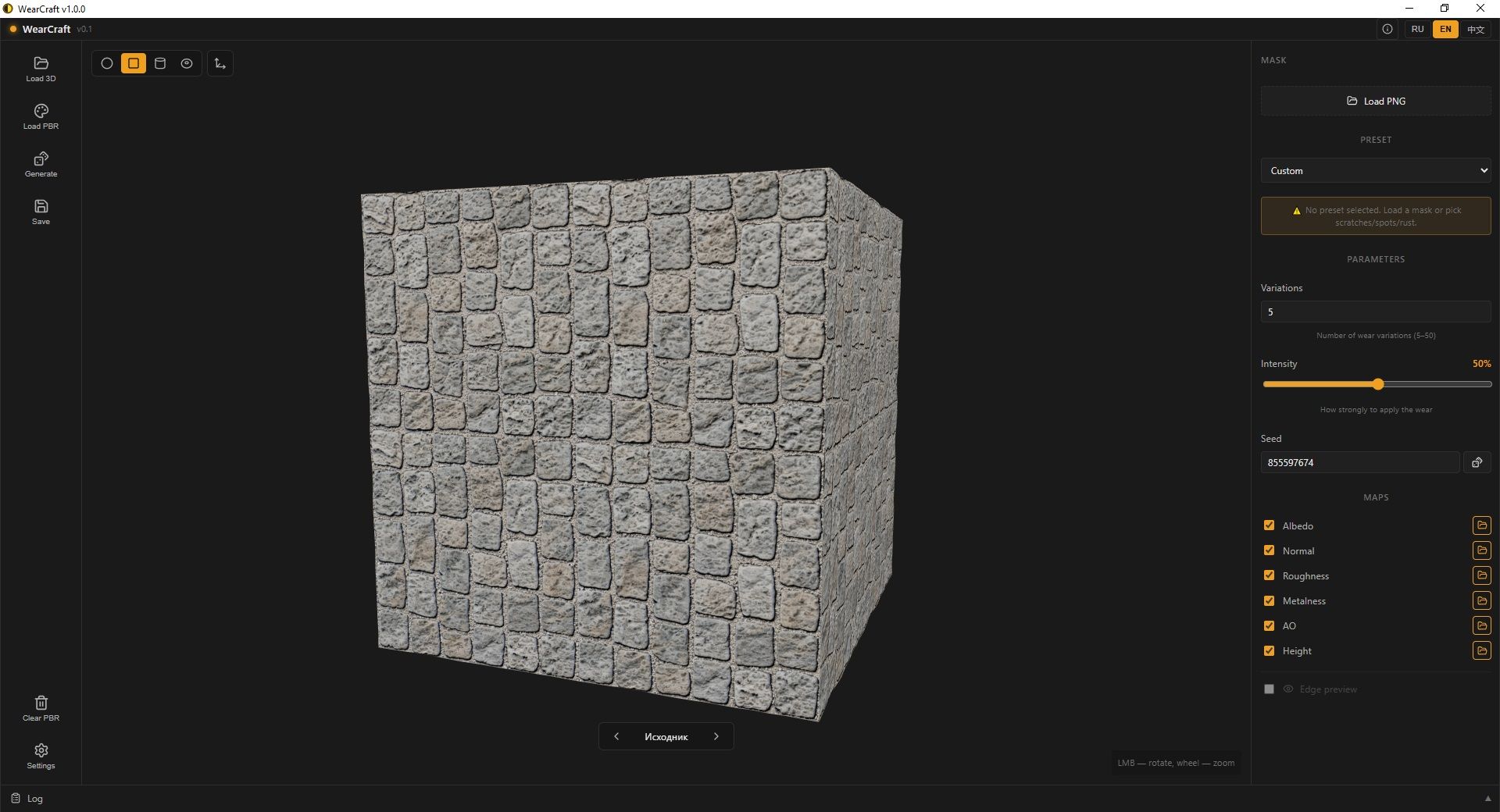
Load a PBR set (albedo, normal, roughness, ao, height, metalness, edge), generate N unique wear variations, and export to game engines. The built-in 3D viewer shows the result in real time — the preview fully matches the baked result.
What's new in 1.1.1
- Geometry Limit — filter wear effects by surface normal direction. Choose sides only, top only, bottom only, or top + bottom. Fully consistent between preview and baked output. Works on sphere and loaded models (OBJ/FBX with proper UV).
- Procedural Scratches — fixed and improved. Density, length, thickness, waviness, branches, clusters. Depth slider now genuinely affects normal relief. Realistic mode adds a bright rim around each scratch.
- Localization — cleaned up ru / en / zh dictionaries. Better Chinese 3D terminology. Safer fallback if a key is missing.
- UI — collapsible parameter blocks (less clutter). Right-click in the 3D viewport no longer opens the browser menu. No more flicker when toggling map slots.
Previously in 1.1.0
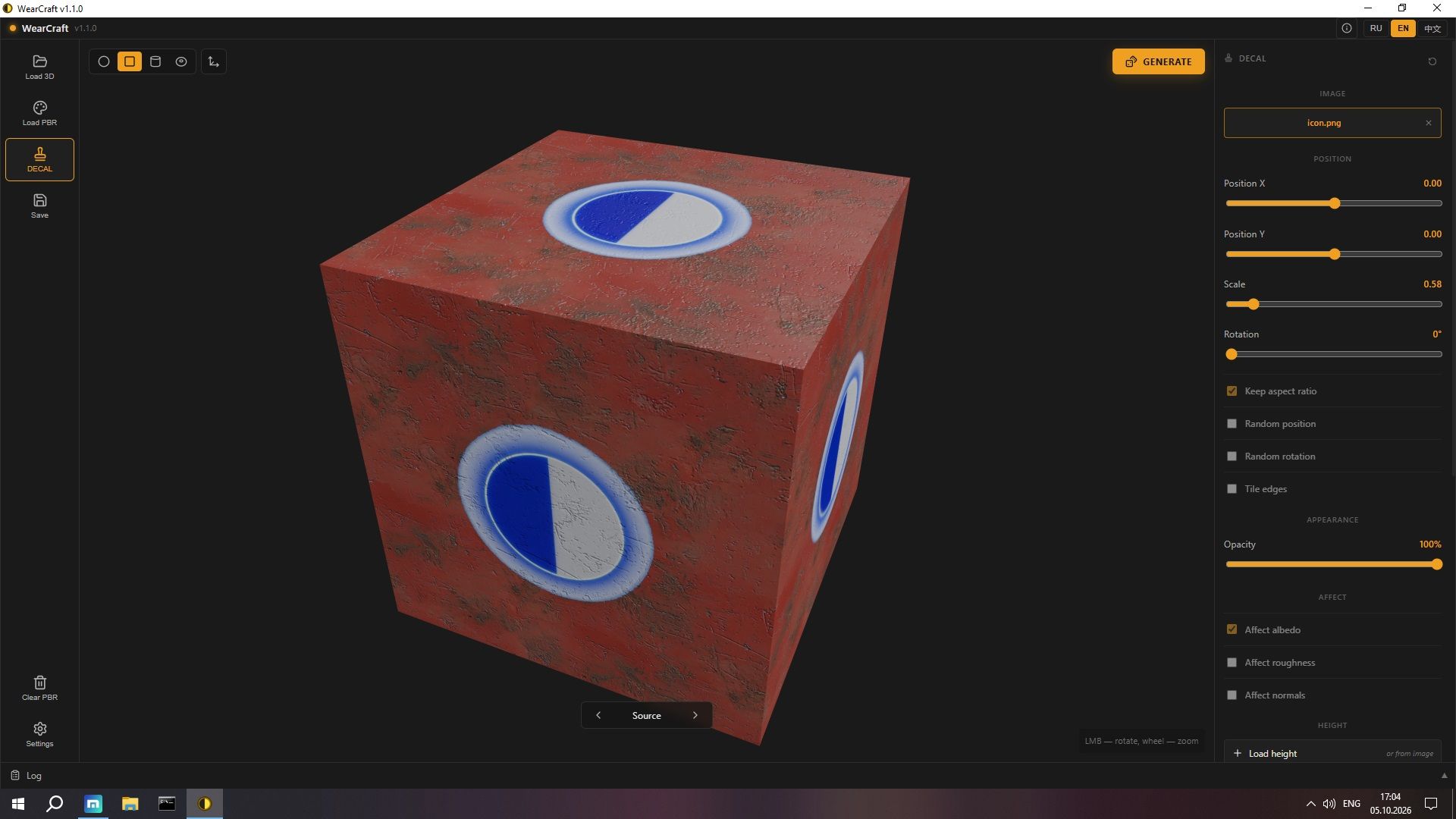
- Decal — project any PNG/JPG image onto the model like a sticker. Position, scale, rotation, opacity, aspect ratio, tiling, and height-based bump (or use image brightness). Random position / rotation per variation. Real-time preview via GPU shader, exact match in baked output.
- HDR Environment — 5 lighting presets (Neutral / Warm / Cool / White / Night) with intensity slider 0–200% and optional HDR backdrop.
- UI Zoom — Ctrl+= / Ctrl+− / Ctrl+0. Steps from 75% to 200%. Saved between sessions.
- Streaks (procedural) — value_noise + fbm + vertical stretch. Reads as actual drips.
- Scratches — two modes: procedural (Bezier) and mask-based with real-time preview.
- "Generate" button moved to the viewport (top-right, accent pill).
- Variations block reworked — slider 1..50 plus input field.
- "Mask" block at the top of the panel now shown only for the Custom preset.
Features
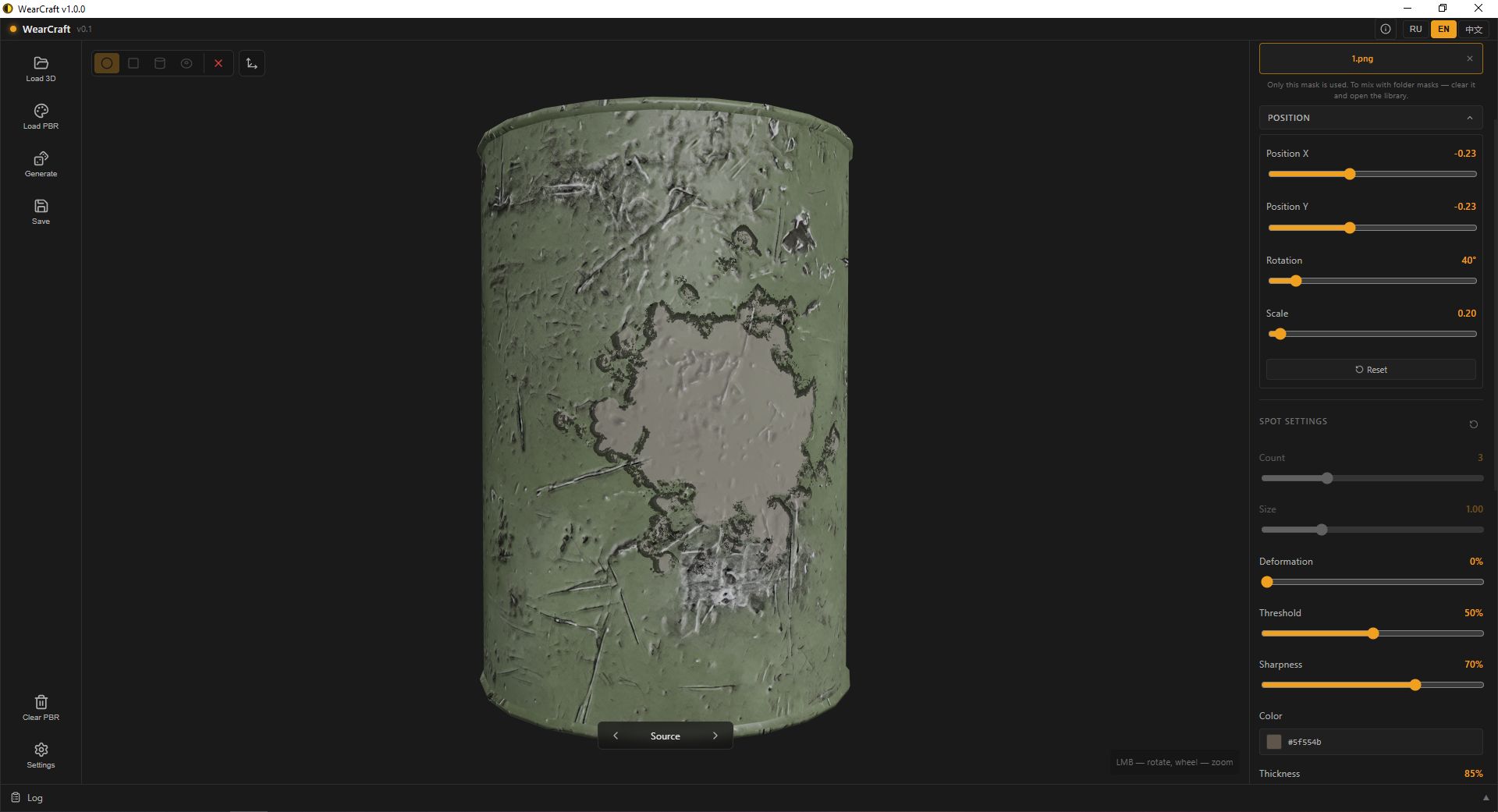
- Presets: Custom mask, procedural scratches, streaks, spots, rust, decal
- Geometry Limit: Filter wear by surface normal — sides / top / bottom / top+bottom
- Decal: Image projection onto the model — position, scale, rotation, opacity, aspect ratio, tiling, height bump
- Masks: Own mask (single PNG) or library (folder-based, %APPDATA%)
- Positioning: Move, rotate, scale each spot. Tiling control per variation
- Generation: Parallel (rayon), N unique variations, each with own seed
- 3D Viewer: Sphere, cube, cylinder, torus, custom .obj / .gltf. HDRI environments, AgX tone mapping
- Export: Unreal Engine (ORM + DX normal), Unity (MetallicSmoothness, Built-in / URP), PNG / ZIP / OBJ
- i18n: Russian / English / Chinese
- Manual: Full HTML guide (RU / EN / ZH) with lightbox screenshots
Tech Stack
Tauri 2 · Svelte 5 · Three.js · Rust (image, noise, rand, rayon)
System Requirements
Minimum
- OS: Windows 10 / 11 (64-bit)
- Processor: Quad-core 2.0 GHz (Intel i5 / AMD Ryzen 5 or equivalent)
- Memory: 8 GB RAM
- Graphics: Integrated GPU (Intel UHD 620 / AMD Vega 8) or better
- DirectX: Version 11
- Storage: 2 GB available space
Recommended
- OS: Windows 11 (64-bit)
- Processor: Hexa-core 3.0 GHz (Intel i7 / AMD Ryzen 7 or equivalent)
- Memory: 16 GB RAM
- Graphics: NVIDIA GTX 1650 / AMD RX 5700 or better (for smooth 3D preview with 4K/8K textures)
- DirectX: Version 12
- Storage: 8 GB SSD
Notes on 4K / 8K textures
- 8 GB RAM — works with 4K textures. 8K textures possible, but memory will be tight during baking and 3D preview.
- 16 GB RAM — comfortable work with 4K and 8K textures. Smooth 3D preview with HDRI lighting, shadows, and AgX tone mapping.
- A single 4K PBR set uses roughly 256 MB VRAM; an 8K set uses roughly 1 GB VRAM. With multiple variations loaded, VRAM usage scales accordingly.
- The baked output size depends on your Preview Resolution setting (1024 / 2048 / 4096). 8K input textures are downsampled to the chosen resolution during baking.
Installation
Download the .exe installer and run it. Fully offline — no internet required.
The installer offers two modes:
- Per-user — installs to %LOCALAPPDATA%, no admin rights needed
- Per-machine — installs to Program Files, requires admin rights
Links
- GitHub: https://github.com/invisiblelevel/WearCraft
- Full user manual: included in the app (Info → Manual)
License
MIT — free for commercial use.
Made by INV.LVL · 2026
Download
Click download now to get access to the following files:
Leave a comment
Log in with itch.io to leave a comment.